
Keke (Tricycle)
First-and-last mile neighborhood routes.
Drop Now on iOS & Android · Across Nigeria
DownloadDrop
Drop maps danfo, keke, taxi and bus routes across Nigeria, verified by commuters like you.


Scan to open the right store on your phone
Built for Nigeria · Free on iOS & Android
Example
Route Finder
Live
Keke to Main Market
First mile · ~8 min

Danfo to Garrison Junction
Connector · ~18 min
Growing every day
Community-mapped stops and routes across Nigeria
From neighborhood kekes to city-wide buses, Drop understands how informal transit actually works on the ground.
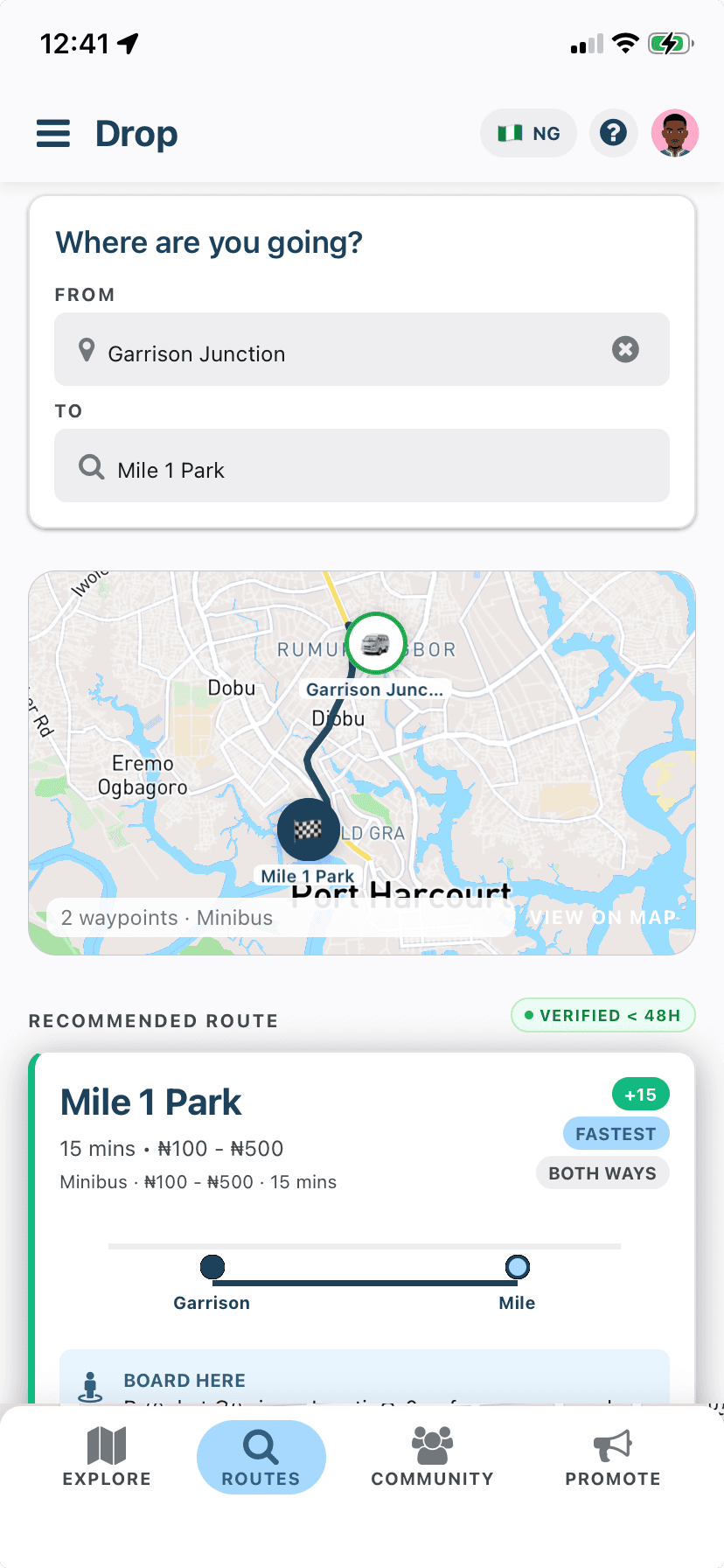
First-and-last mile neighborhood routes.
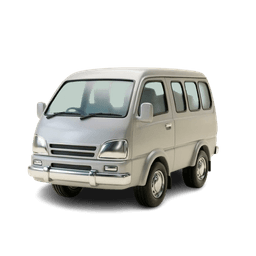
Inter-junction connector lines.

Direct arterial corridor routes.
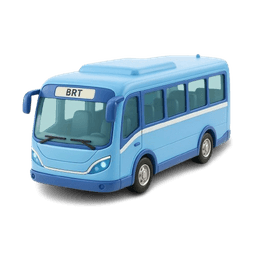
Cross-city trunk lines.
Map, verify, and navigate — a simple loop that keeps informal transit data accurate as cities change.
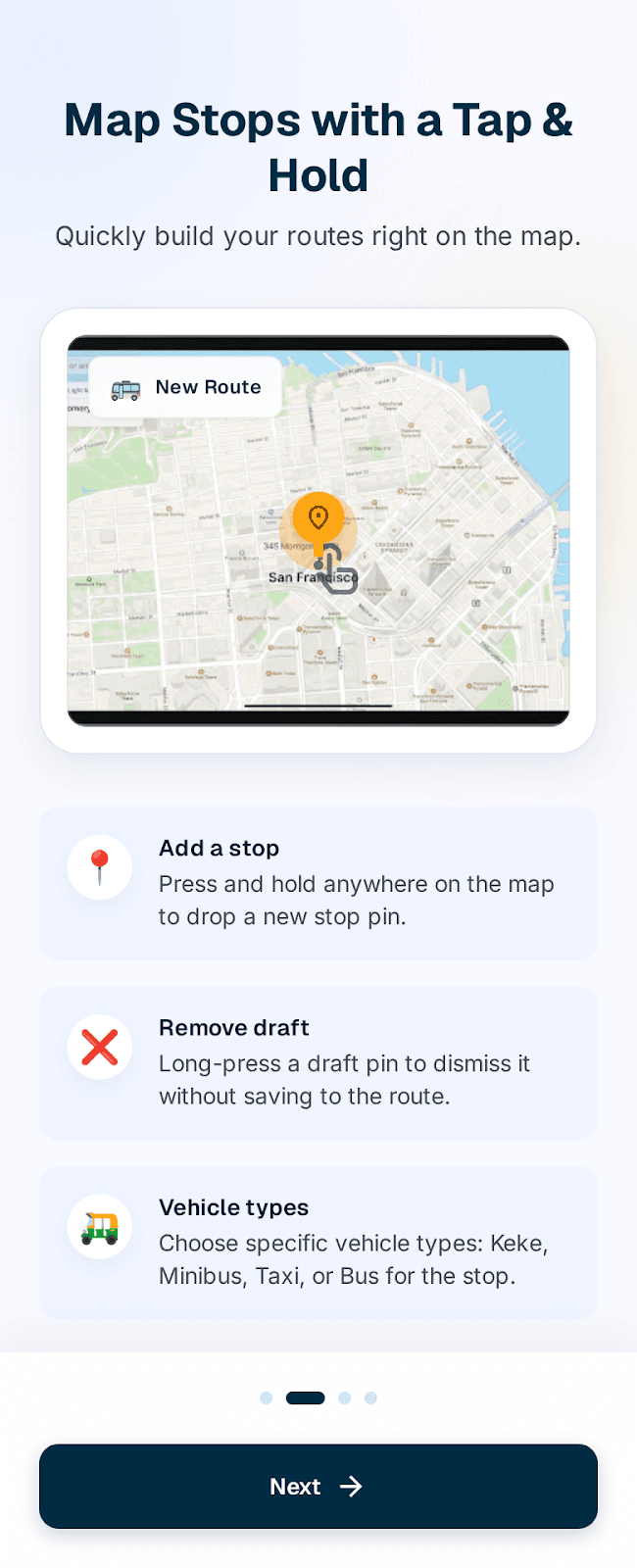
01 · Tap & Hold
Long-press anywhere on the map to add a new stop or segment. Remove draft pins just as easily with a single hold.
02 · Community Verification
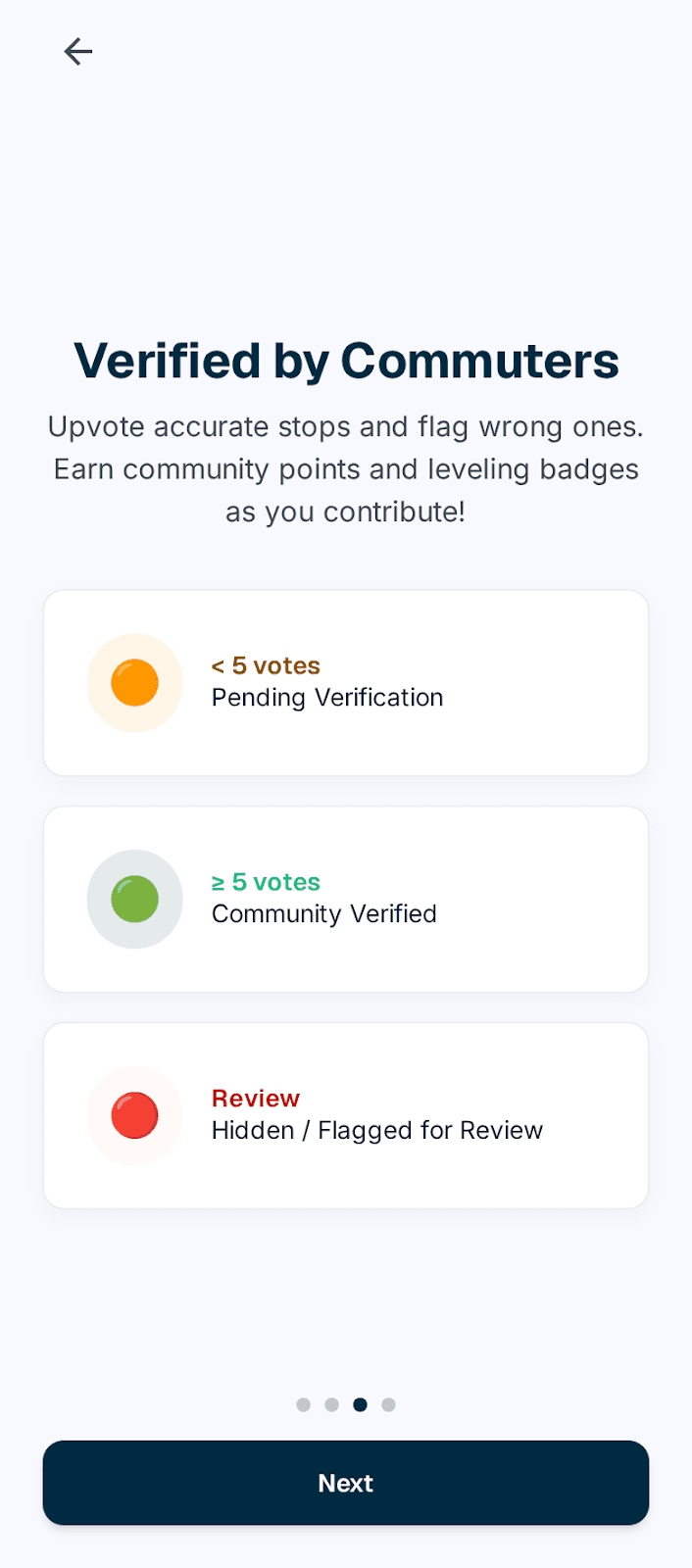
New submissions start Orange (< 5 votes). Once verified by 5 commuters, they turn Green. Flagged data is hidden automatically.
03 · Spatial Search
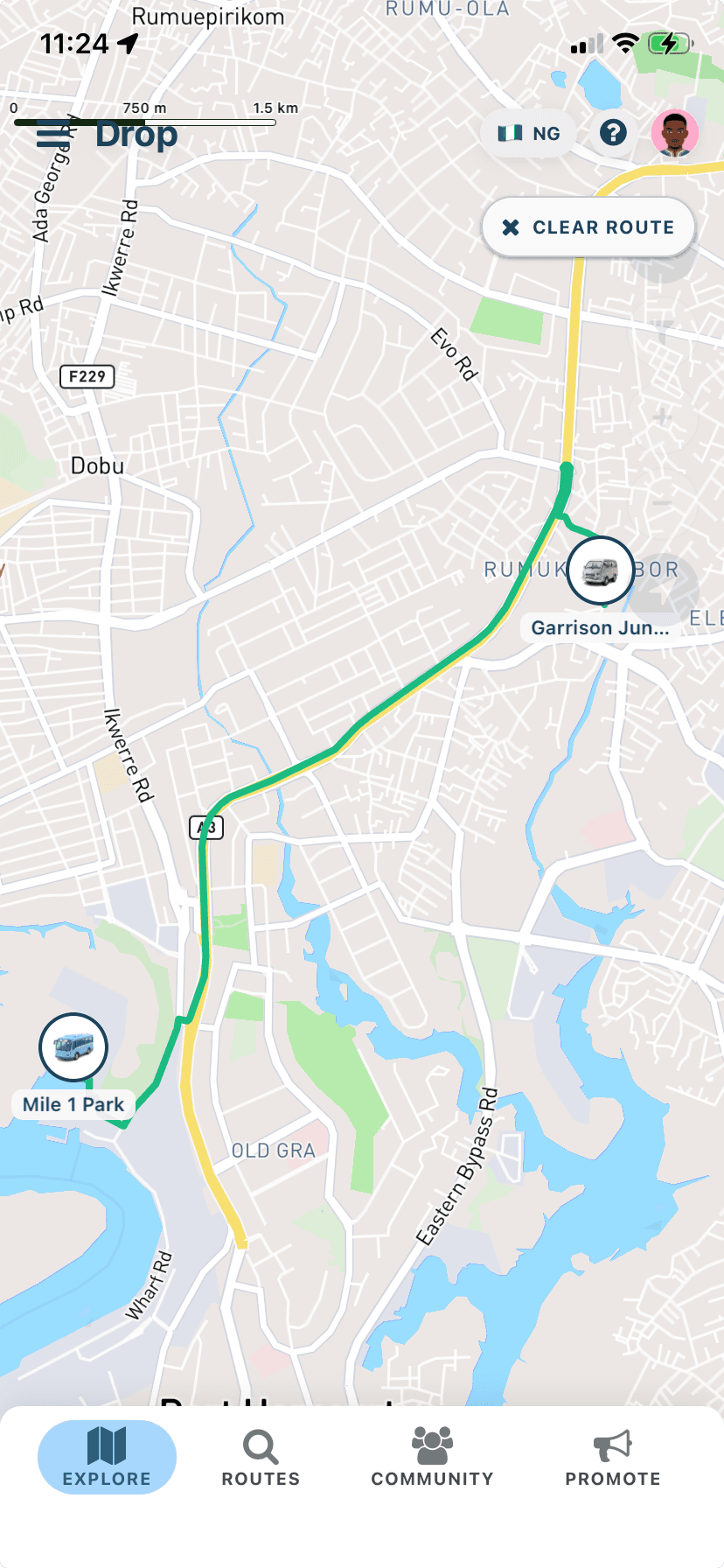
Drop finds routes within 5km of your origin and connects you within 10km of your destination, complete with crowd-verified fare estimates.
Stops and chat that reflect what riders see around them — not a static timetable.
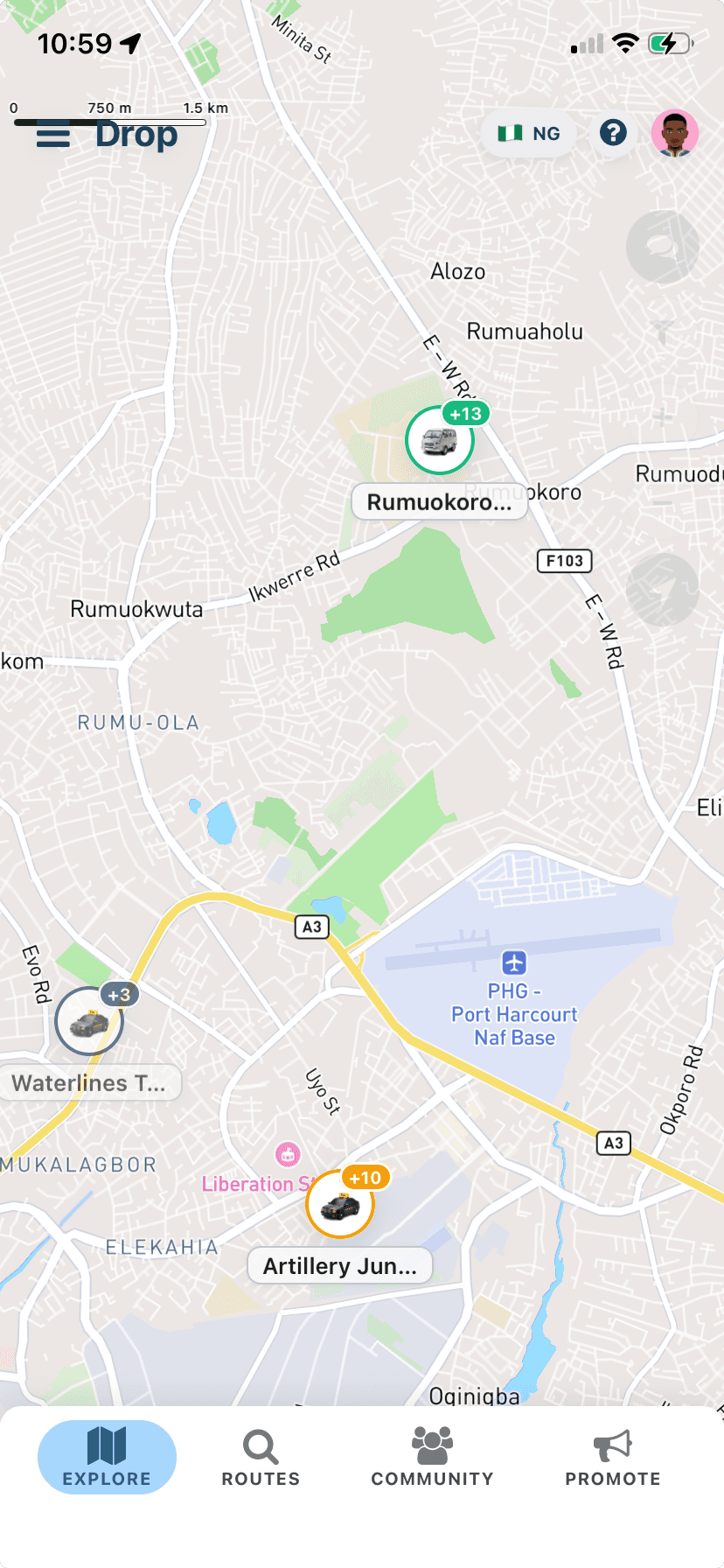
On the Explore map, stop pins show vehicle icons with colored rings and community vote counts (like +13, +3, +10). Higher counts mean more riders have confirmed that stop is real and useful.
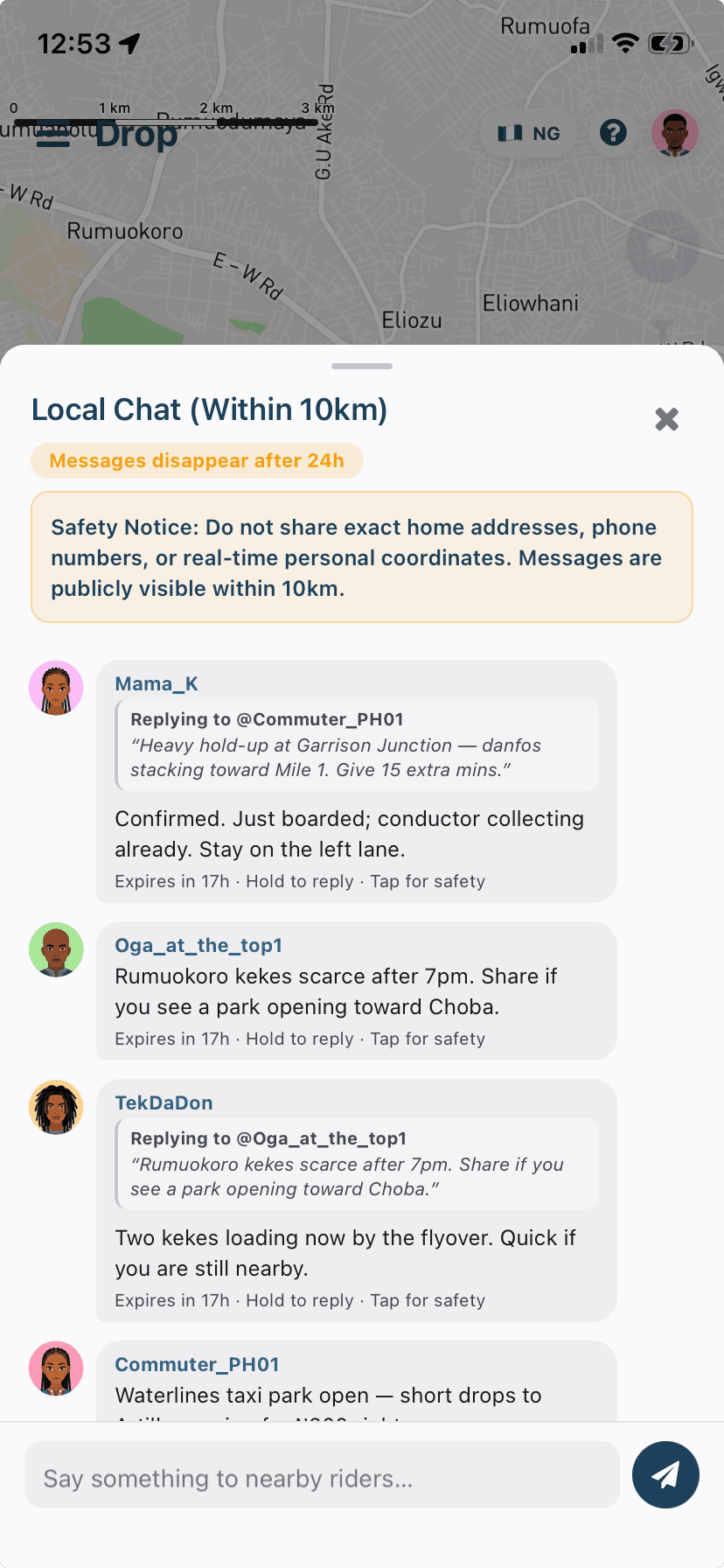
Local Chat shows messages from riders within 10km. Messages disappear after 24 hours. The screen includes a safety notice: don't share exact addresses or phone numbers. Hold a message to reply.
Pin colors follow community consensus, so you can see what's fresh, what's verified, and what's been flagged.
Brand-new submission awaiting community votes.
Pending verification — fewer than 5 net community votes.
Verified by at least 5 commuters.
Flagged or heavily downvoted — hidden from the default map.
Gamification
Every pin you drop and every vote you cast makes transit clearer for the next commuter.
Points aren't just badges. Redeem them to promote a business on the map.
for every community vote you cast to keep the map honest.
when your submitted stop reaches the 5-upvote verification threshold.
Climb community leaderboards and unlock contributor badges for top mappers.
For businesses
Your business shows as a pin with your category icon, shown on the map right where commuters travel — separate from transit stops. Riders can browse nearby businesses by “Closest first” or “Top rated”, with category filters.
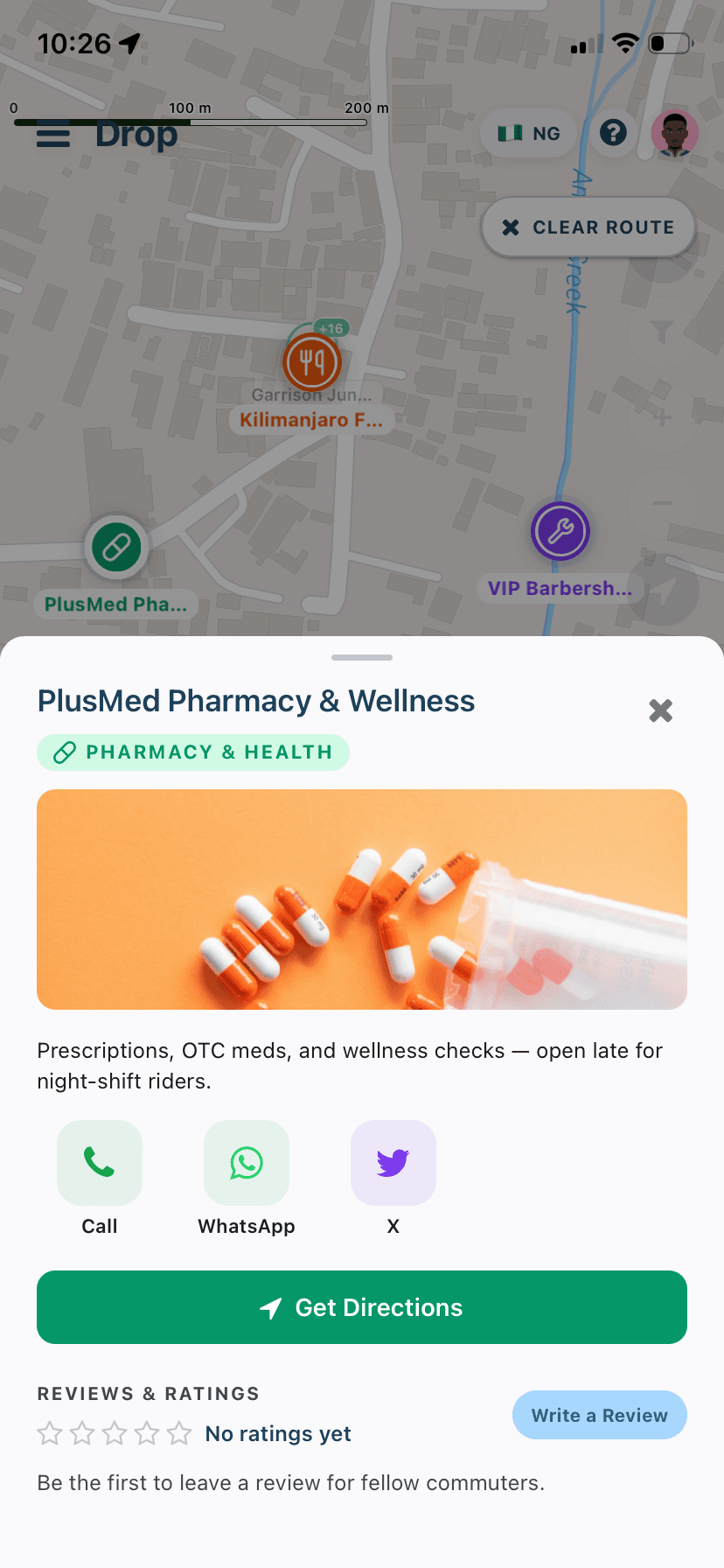
Icon pin on the map in the category’s color — pharmacy, eatery, services, and more.
Banner image and short description on the listing sheet riders open when they tap your pin.
Circular Call, WhatsApp, and social link buttons right on the card.
A green Get Directions button for walking directions straight to your door.
Ratings and written reviews so riders can share what they found.
Your listing appears as a pin with your category icon, shown on the map right where commuters travel. No two promoted businesses can sit within 25 meters of each other — so your pin stays visible where riders already gather.
Impressions are deduplicated to one per user per day, plus pin taps and “Get Directions” requests — so you see real interest, not inflated views.
Edit your name, category, description, phone/WhatsApp, link and banner images from the Promote tab whenever you need.
Customers can call, WhatsApp or get directions in one tap from your listing card.
Commuters can rate and review your business so the next rider knows what to expect.
Or pay by card via our secure web checkout.
Quick answers for new mappers and everyday riders.